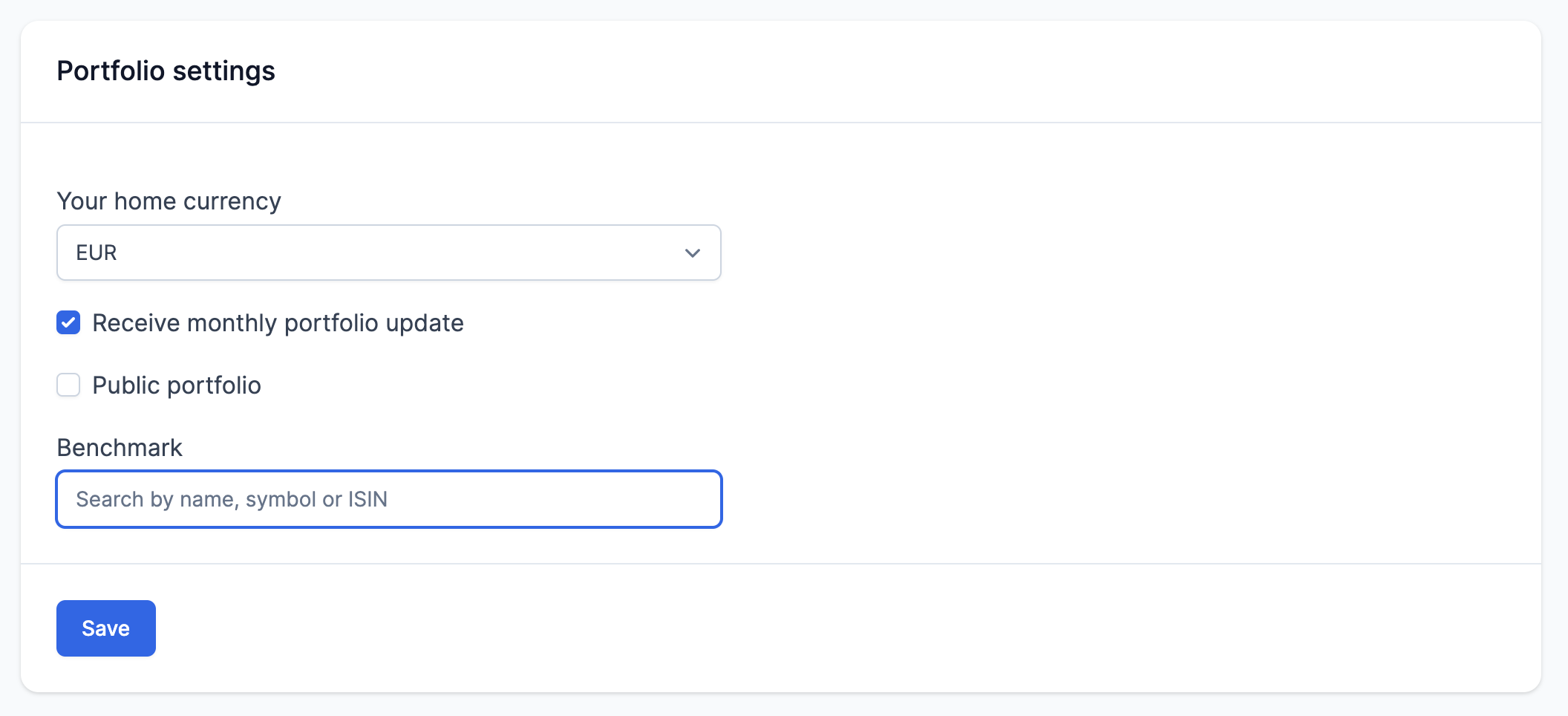
Portfolio benchmarking allows you to see how would your portfolio perform if you invested in a given benchmark instead of the actual portfolio you have. It takes all your cash inflows and outflows and simulates buying and selling the benchmark (typically an ETF) according to it. Then, it shows you the benchmark value in the value chart and calculates its total return and money-weighted return rate over a selected period.

How to add a benchmark
-
Go to the portfolio dashboard and click on "Add a benchmark".

-
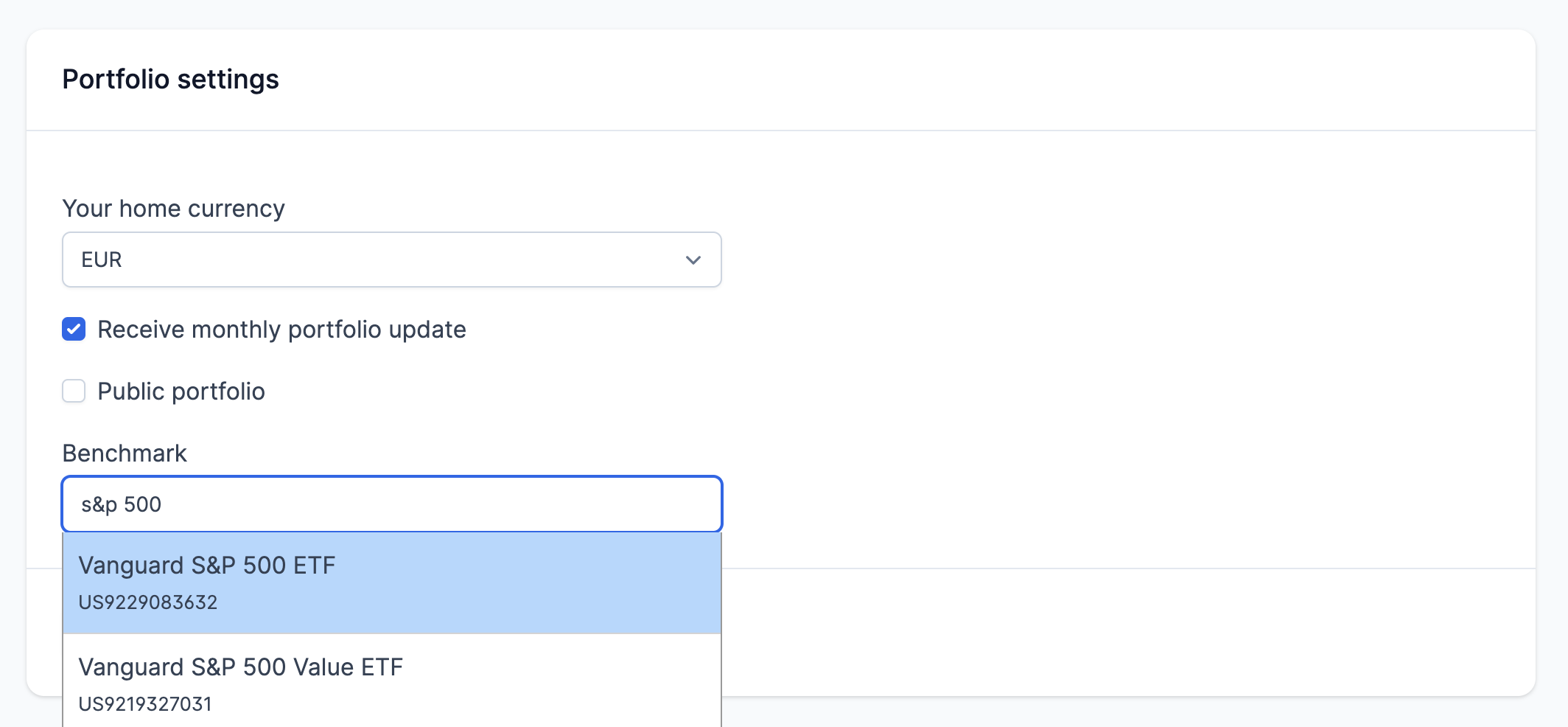
Then, in the portfolio settings, type in the name of the security (ETF, stock, or crypto) that you want to use as a benchmark and select it.
-
Save it and that's it.
How to remove the benchmark
-
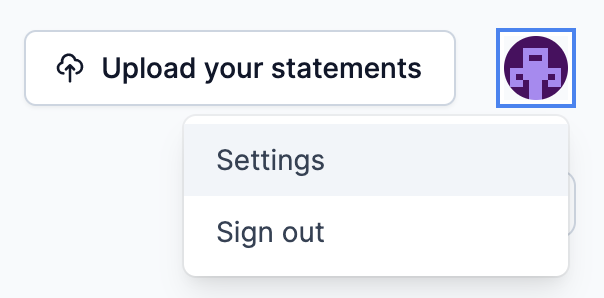
Go to the portfolio settings page.
-
Delete the name of the benchmark security and save it.