How to export your trades from Trading 212
To export your trades from Trading 212:
- Sign in to Trading 212.
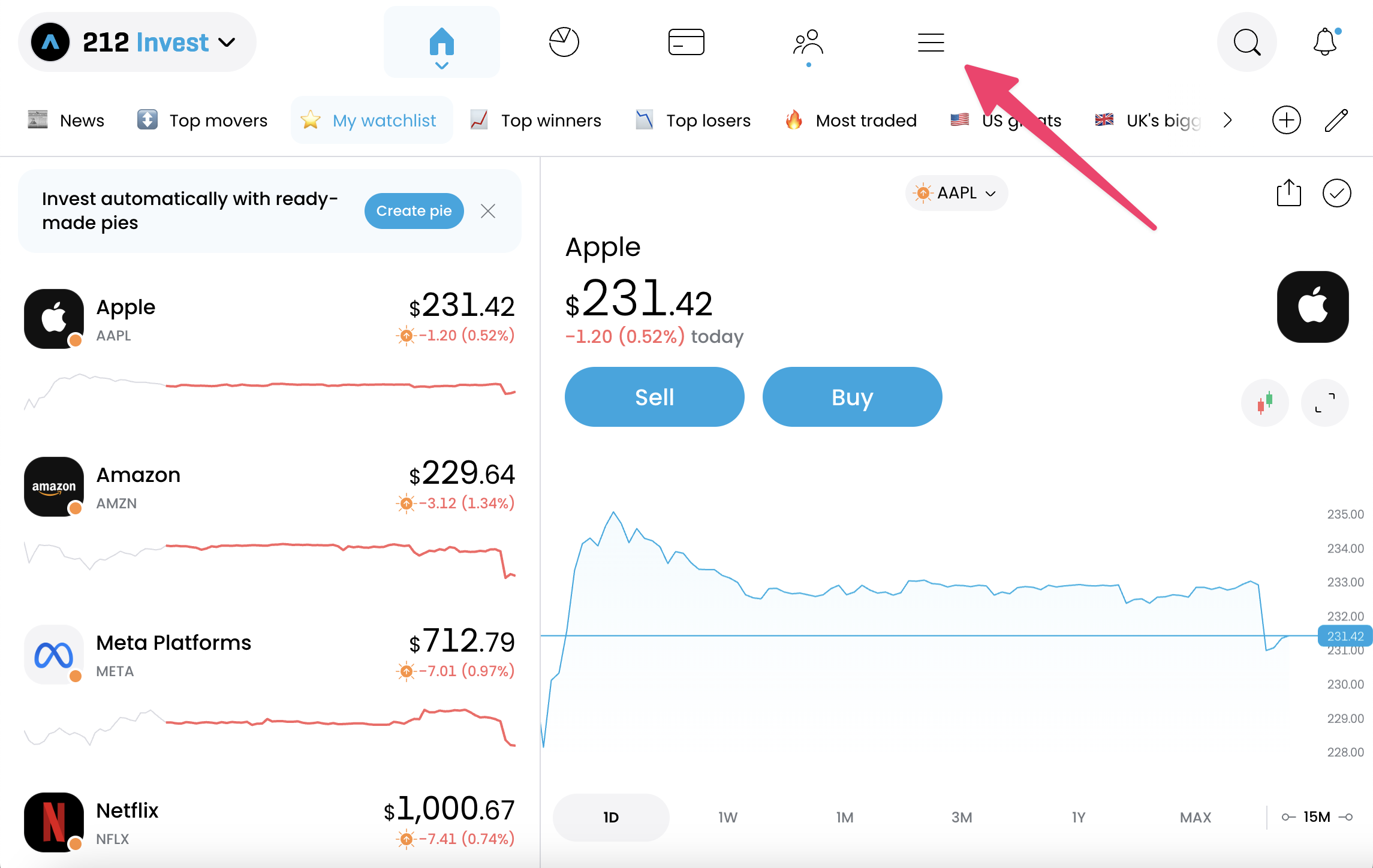
- Click on the “Menu” icon.
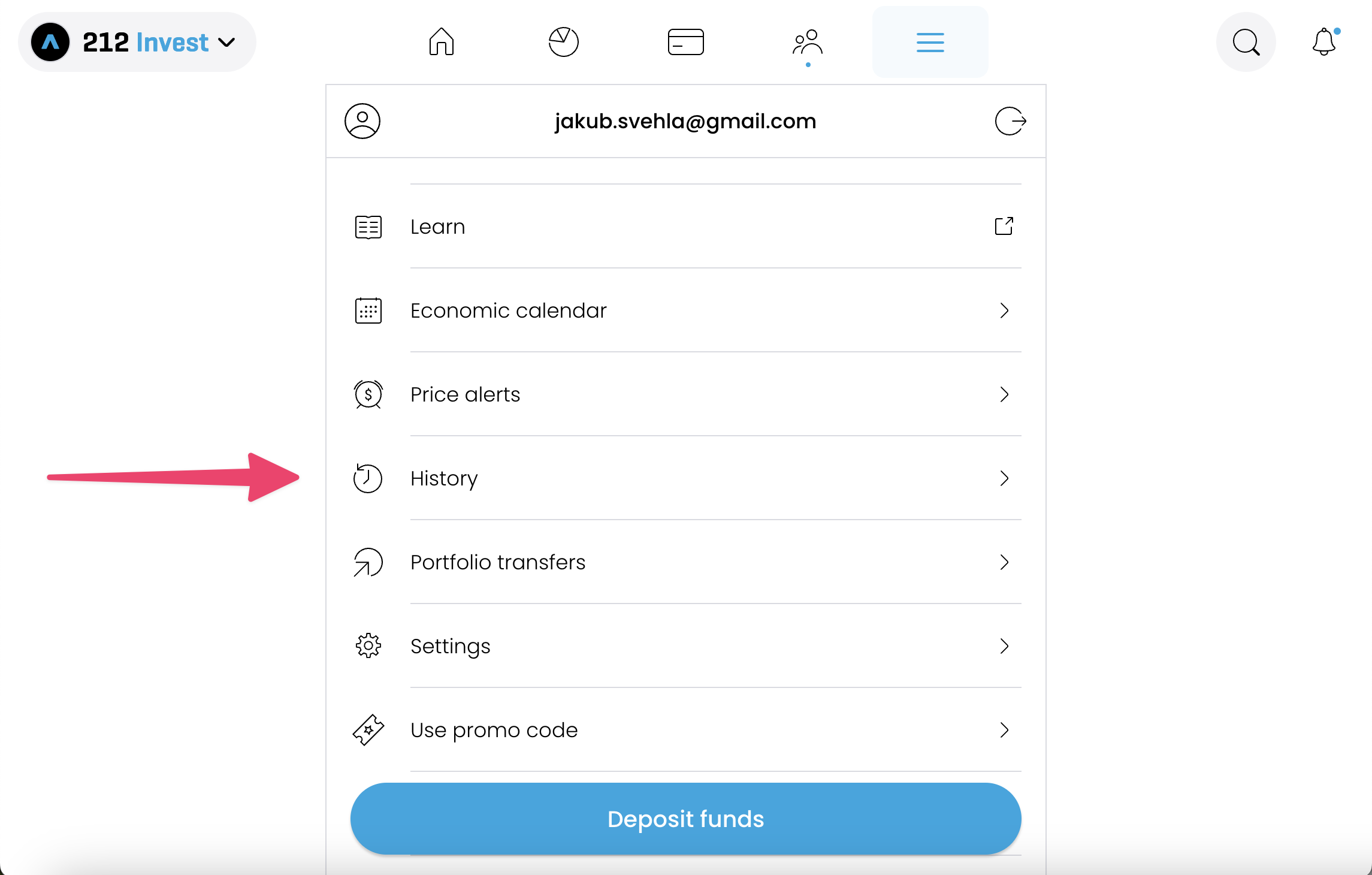
- Scroll down the menu and select History.
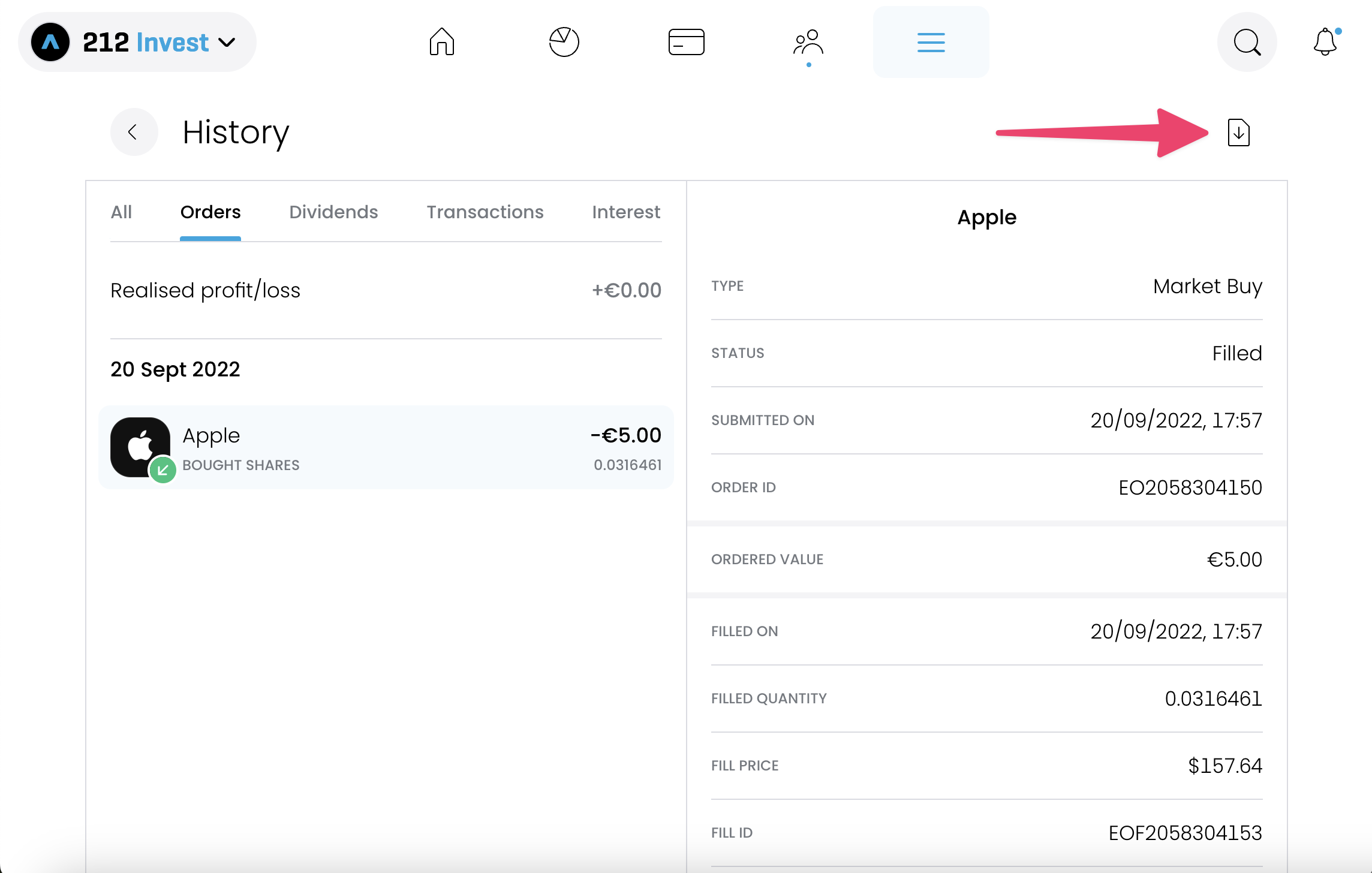
- Click on the export button.
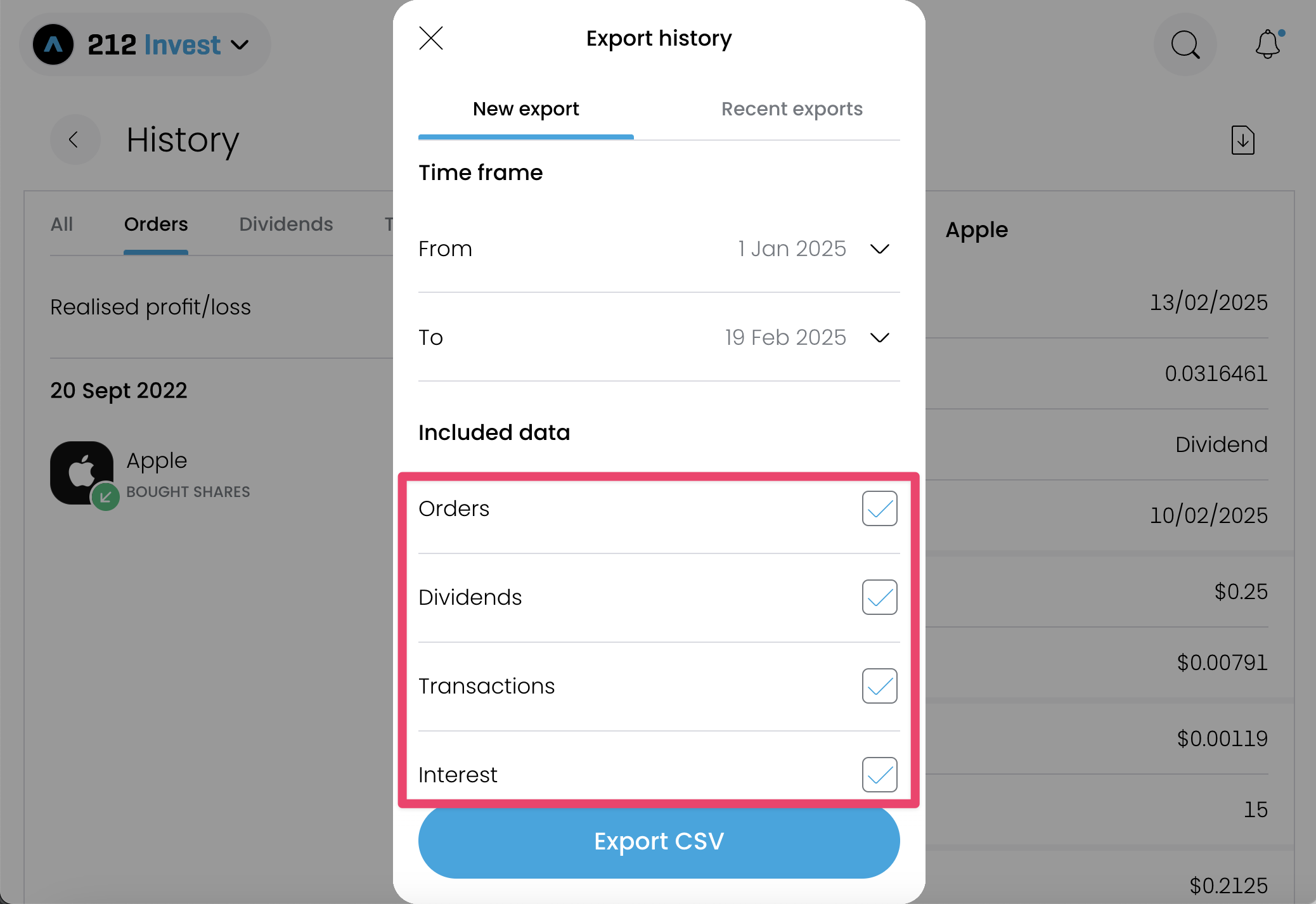
- Select a time frame from the beginning of the portfolio. Trading 212 allows you to export at most 365 days at a time, so if your portfolio is older than 1 year, export it year by year. We recommend exporting it by calendar years to make sure you export all transactions.
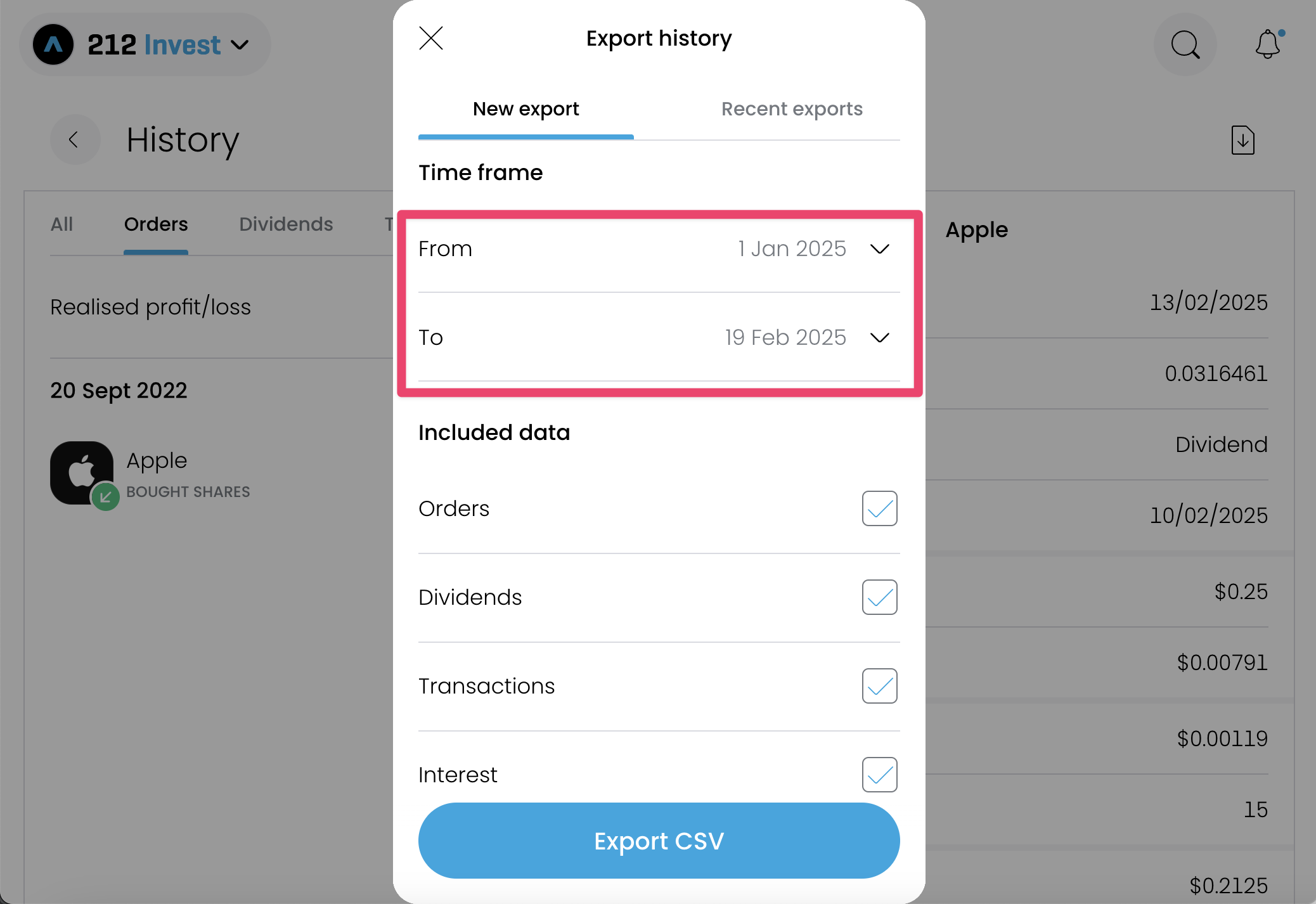
- Make sure to include all data in the export.
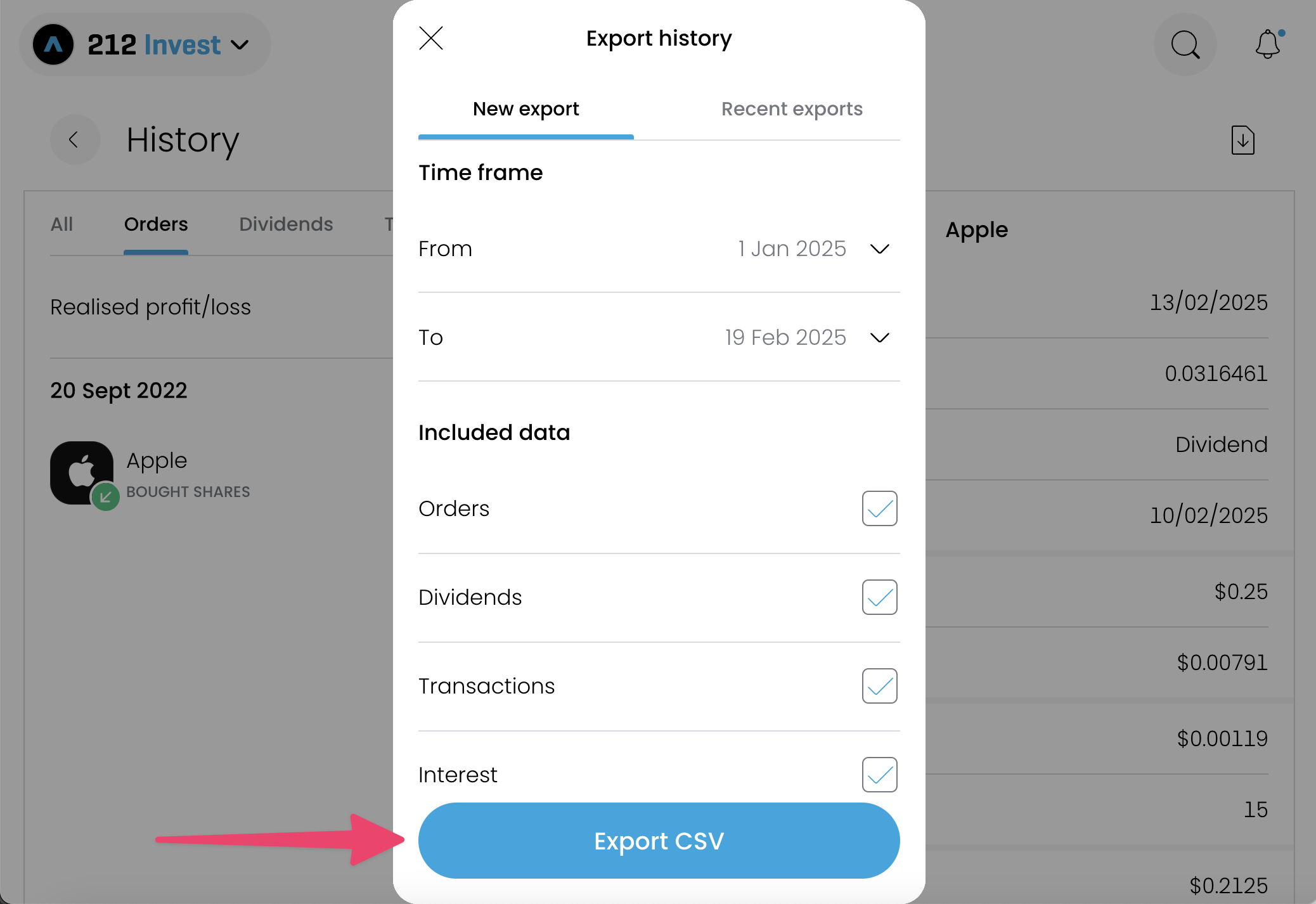
- Click on the “Export CSV” button to export the transactions.
- Tip: Upload the exported file to Simple Portfolio to evaluate your portfolio for free.