How to export your trades from XTB
To export your trades from XTB:
- Sign in to the XTB online investing platform, xStation 5.
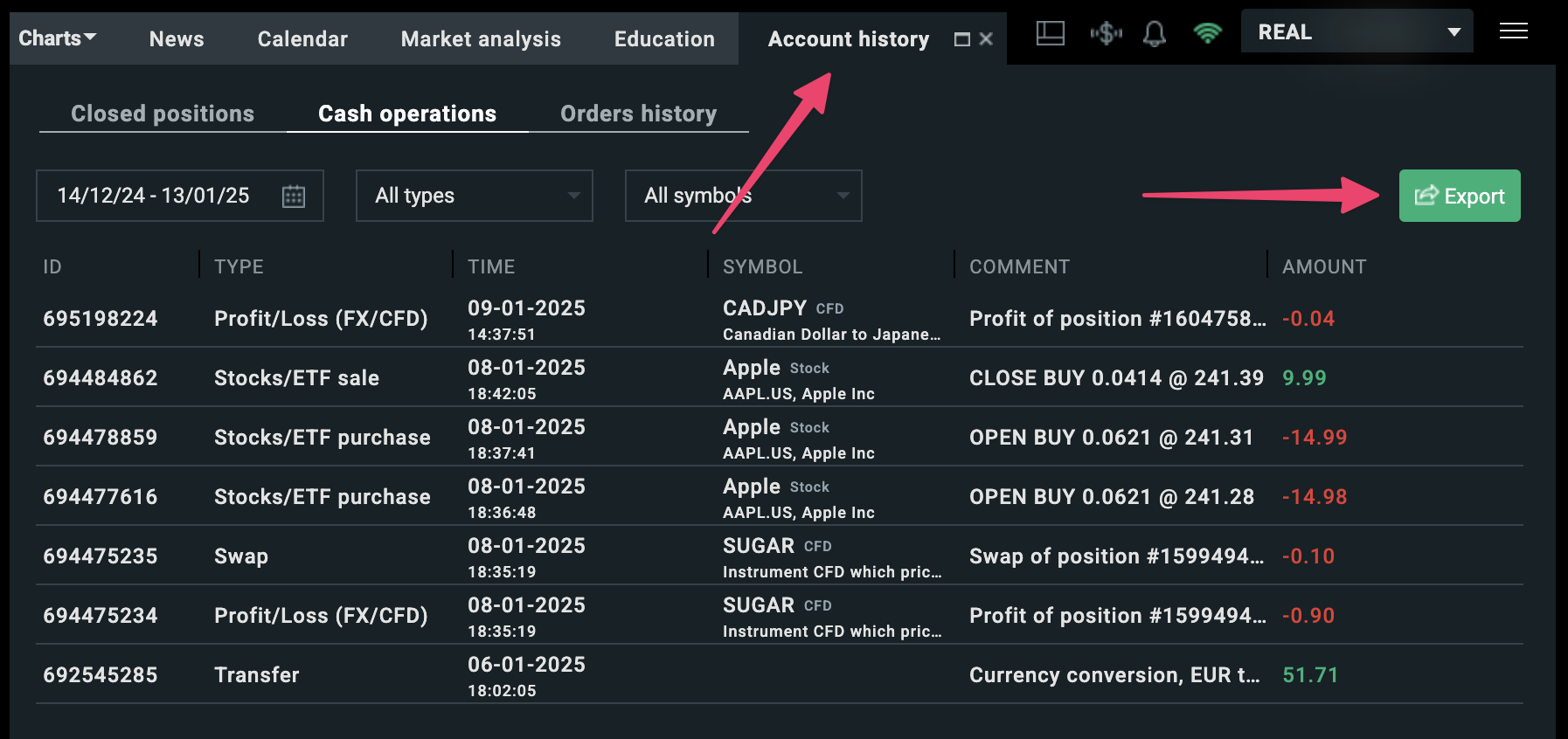
- Go to the “Account history” tab, click on the "Cash operations" tab, and click on the “Export (new)” button.
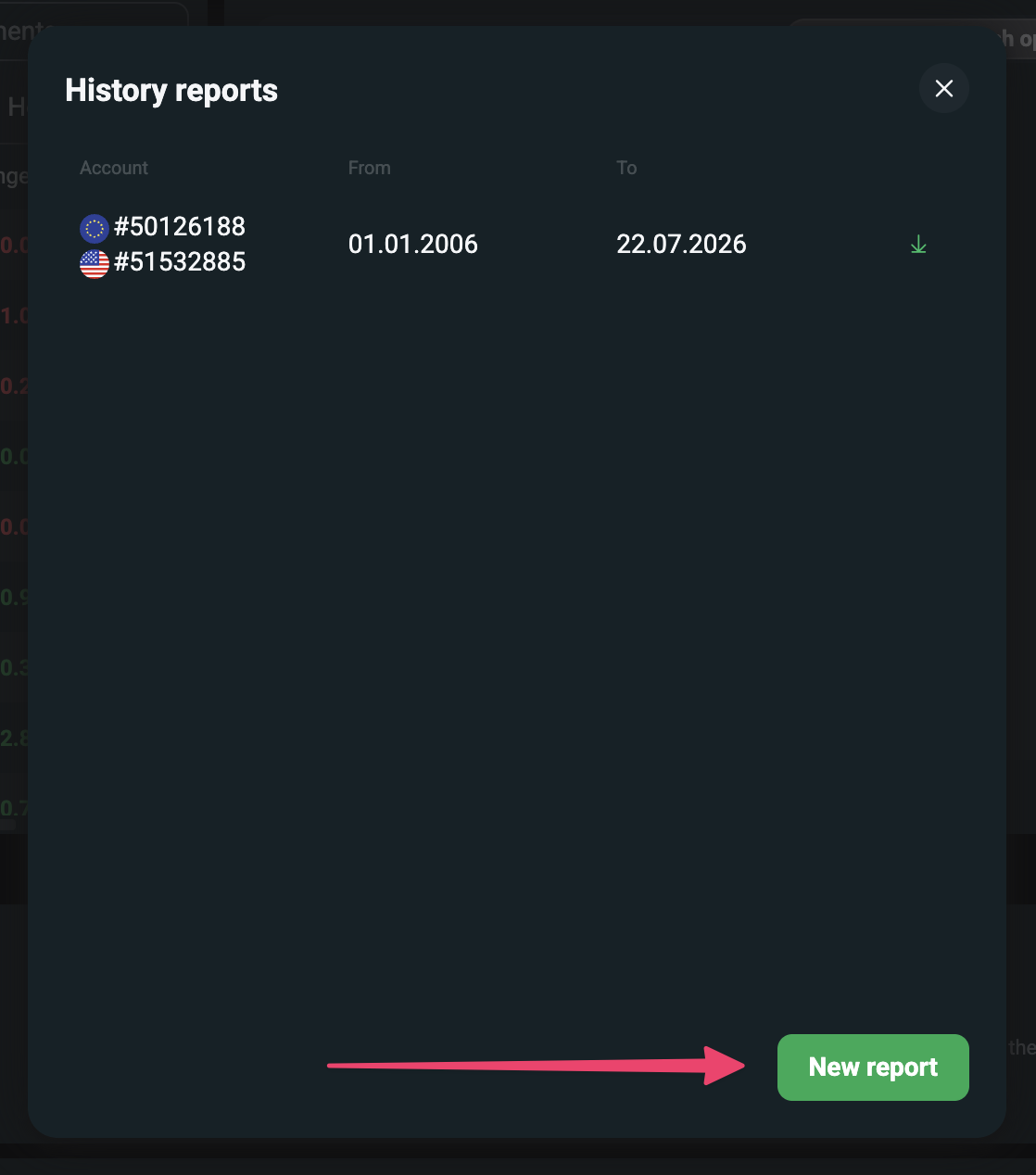
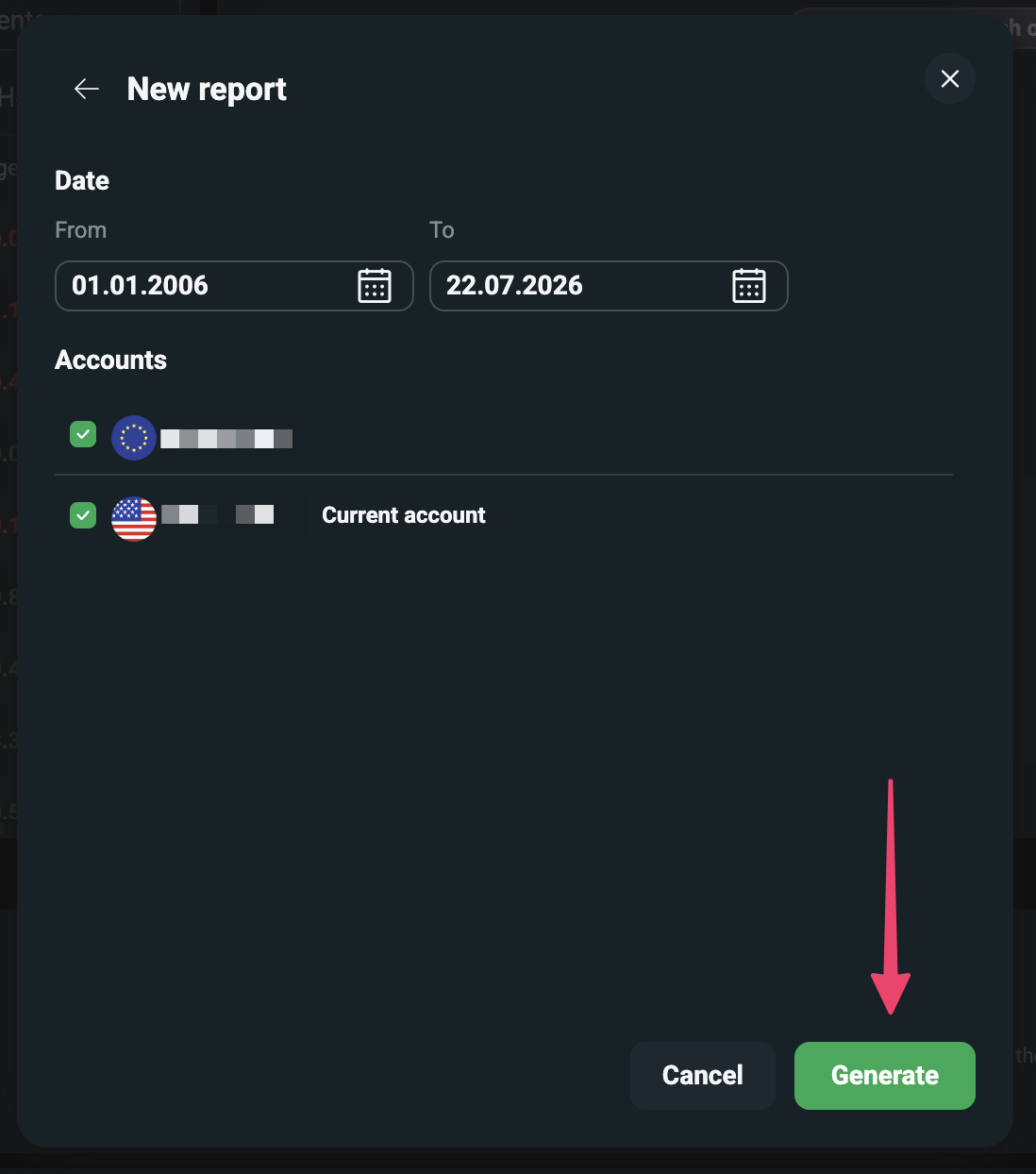
- In the modal, click on the "New report" button.
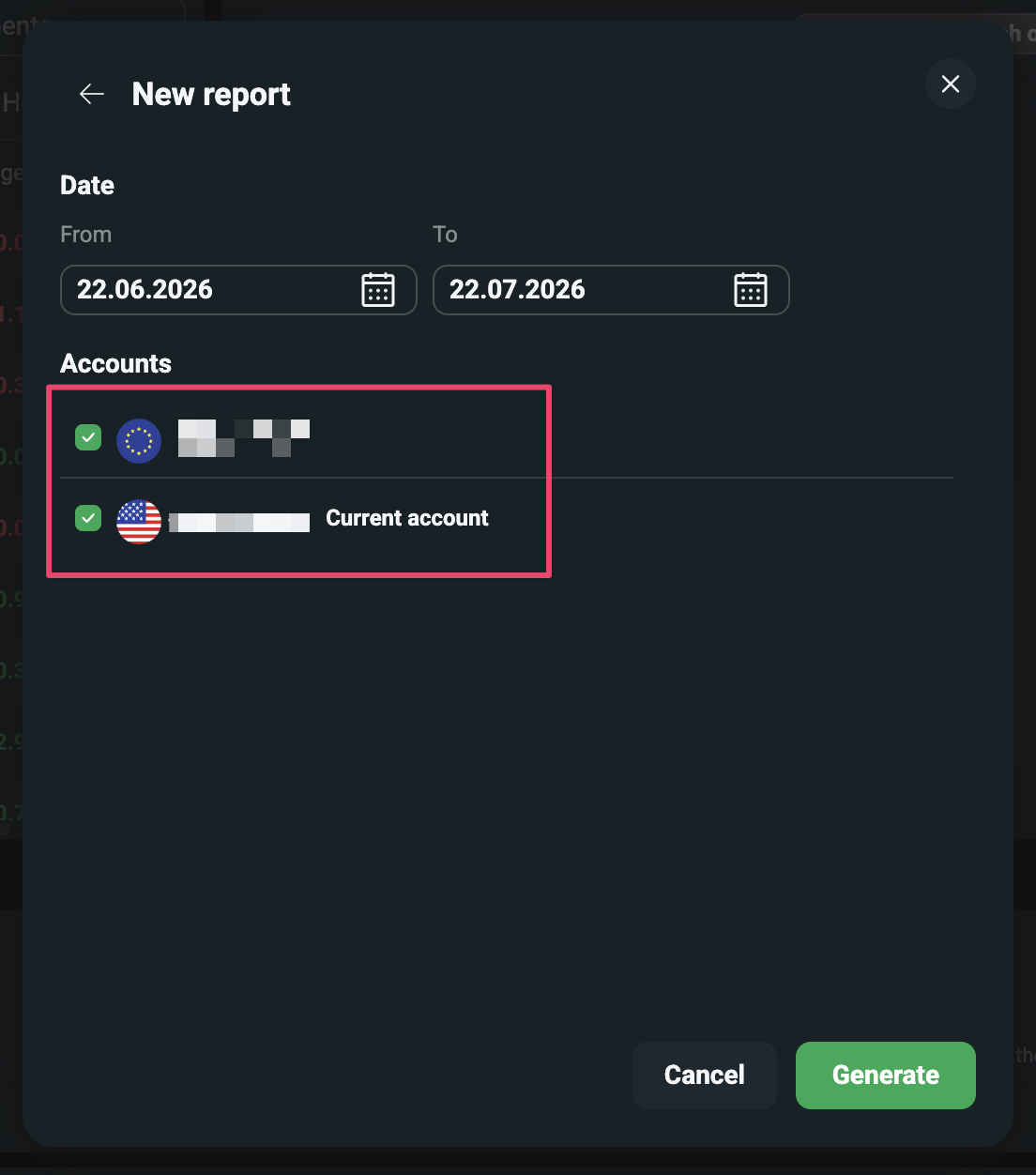
- Select all your accounts.
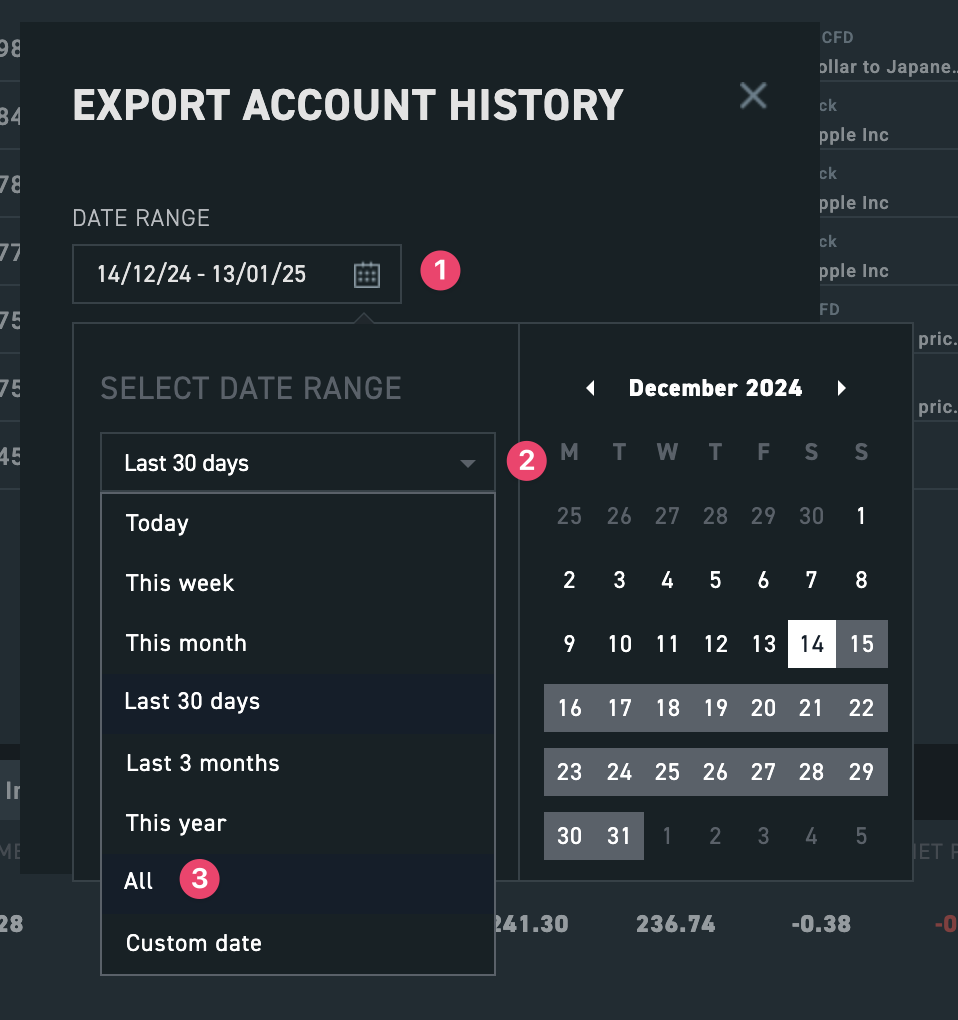
- Click on the “Calendar” icon and select “All” as the date range.
- Click on the "Generate" button.
- Once the report is ready, click on the "Download" button.

- Tip: Upload the exported ZIP file to Simple Portfolio to evaluate your portfolio for free. The older Excel full report export is also supported.